

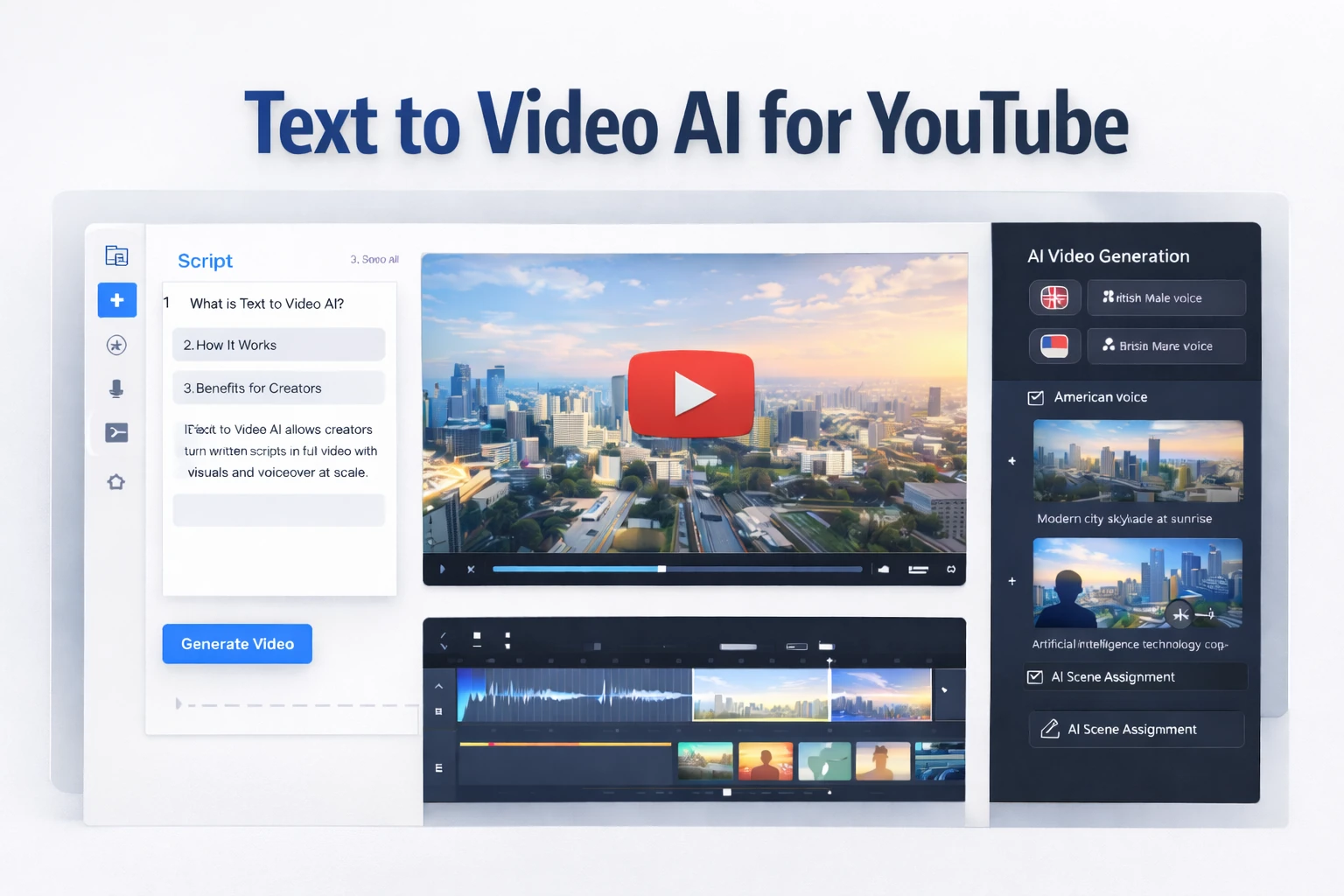
Text to Video AI for YouTube
Text to video AI for YouTube is changing how faceless channels are built. Instead of manually editing timelines, sourcing stock footage, and syncing narration, creators can now paste a script and generate structured videos automatically. For beginners and solo operators, this removes one of the biggest barriers to consistent publishing.
This guide focuses on when text to video AI for YouTube makes strategic sense, how it compares to manual editing, and how to build a scalable workflow using AI-driven tools.
Table of Contents
Why text-to-video AI is gaining traction
Traditional YouTube production requires multiple steps: script writing, voice recording, editing visuals, adding captions, adjusting transitions, and exporting. For many creators, editing is the slowest part of the process.
Text to video AI for YouTube compresses these steps into a single workflow. Modern AI systems can automatically match visuals to script segments, generate subtitles, and structure scenes logically. According to McKinsey’s research on AI adoption, automation tools are increasingly used to improve operational efficiency — content creation is no exception.
For faceless channels especially, speed and consistency matter more than cinematic perfection.
Text to video AI for YouTube workflow
A typical text to video AI for YouTube workflow looks like this:
- Write a structured script optimized for clarity.
- Paste the script into a text-to-video platform.
- Select voice, language, and pacing (if voiceover is integrated).
- Let the AI assign visuals and create scene cuts.
- Review and fine-tune key frames or replace visuals if necessary.
- Export and upload.
Instead of manually syncing voiceover and visuals, everything is handled inside one interface. This significantly reduces production time per video.
If you want a practical example of this workflow applied to faceless channels, see this detailed guide: Fliki for Faceless YouTube Channels.
Quality control and realism
The main concern creators have is quality. Can AI-generated video look professional enough?
The answer depends on scripting and review discipline. AI can generate structured scenes, but you should:
- Keep sentences short and visually descriptive.
- Replace generic stock footage when needed.
- Adjust scene timing for emphasis.
- Ensure subtitles are readable and well-paced.
Many technology observers note that generative AI tools continue to improve rapidly. The Gartner overview of generative AI highlights how multimodal systems (text, audio, video) are converging into unified production environments.
For tutorial, explainer, and list-style content, this level of output is often sufficient.
Comparison: AI video generation vs manual editing
Compared to manual editing in tools like Premiere Pro or Final Cut, text to video AI for YouTube dramatically reduces setup time. Manual editing offers more granular control, but it also requires experience and longer production cycles.
For beginners or solo creators, AI generation offers a faster learning curve and more consistent output. Advanced creators may combine both approaches — using AI for structure and manual tools for refinement.
How text-to-video supports monetization
Text to video AI for YouTube enables higher publishing frequency. Higher publishing frequency increases the chance of ranking for searchable topics.
In affiliate-driven niches such as AI tools, productivity software, and SaaS, this often translates directly into revenue opportunities. Instead of spending hours per video, you can focus on research and topic selection — the real drivers of growth.
If you’re building an AI-focused faceless channel, explore the broader strategy here: Faceless YouTube Channels with AI.
Decision: Should you rely on text-to-video AI?
Decision: If your priority is speed, consistency, and scalable production, text to video AI for YouTube is worth adopting. It reduces technical barriers and allows you to test more content ideas faster. However, treat AI as a production assistant — not a replacement for strategic topic selection and audience research.