
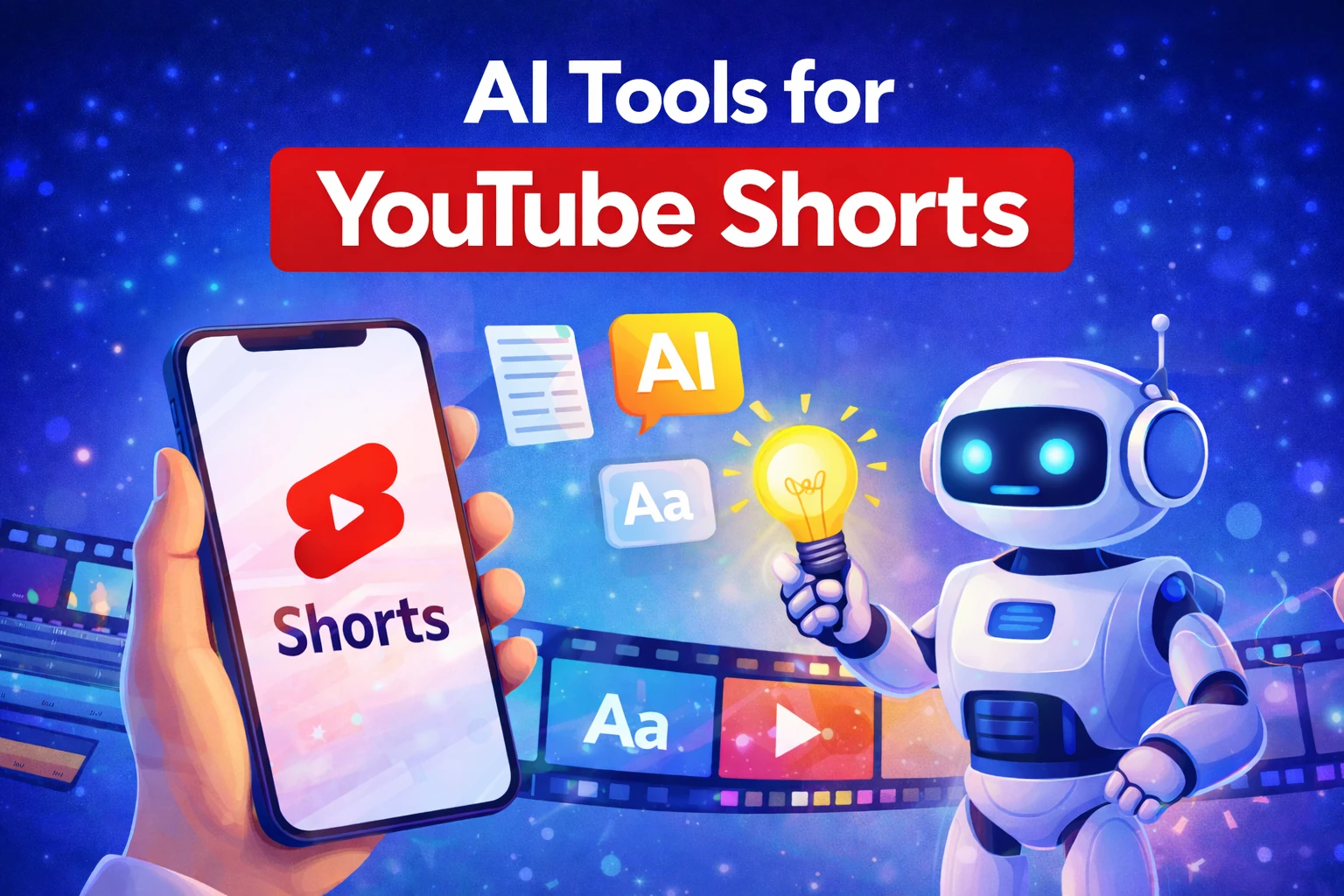
AI Tools for YouTube Shorts
AI tools for YouTube Shorts are no longer optional for creators who want to scale efficiently. Short-form content rewards speed, experimentation, and consistency. If you’re trying to publish 20–60 Shorts per month, manual editing quickly becomes the main bottleneck. AI tools reduce production time, simplify scripting, and make vertical optimization automatic.
This guide focuses on one clear decision intent: which AI tools for YouTube Shorts are actually worth using if your goal is automation, fast publishing, and scalable channel growth. Instead of listing random software, we’ll break down practical categories, workflow compatibility, and when each tool type makes sense.
Table of Contents
Why AI tools matter for Shorts growth
YouTube Shorts are designed for rapid consumption. The algorithm favors strong hooks, high retention, and frequent uploads. Publishing consistently gives you more data points to test titles, hooks, and niche positioning.
According to discussions in the r/YouTubeShorts community, most creators struggle with editing time rather than ideas. AI tools for YouTube Shorts directly address this problem by automating scripting, vertical formatting, stock footage selection, and subtitles.
Instead of spending 60–90 minutes editing a single Short, AI workflows can reduce that time to 10–20 minutes. Over 30 videos per month, that time difference becomes strategic.
AI tools for YouTube Shorts: main categories
Not all AI tools for YouTube Shorts solve the same problem. Most fall into three practical categories:
- All-in-one AI video generators – combine script generation, visuals, captions, and export.
- AI script & idea generators – focus only on hooks and short-form copywriting.
- AI editing & caption tools – convert long videos into Shorts and automate subtitles.
Your choice depends on whether your bottleneck is scripting, editing, or full automation.
All-in-one AI video generators
For creators who want simplicity, all-in-one platforms are usually the strongest option among AI tools for YouTube Shorts. These tools generate scripts, match stock footage automatically, apply vertical 9:16 formatting, and produce subtitle-ready videos.
InVideo is a strong example in this category. It allows you to create structured Shorts quickly using templates rather than manual timeline editing. This significantly lowers the technical barrier for beginners.
If you want a detailed breakdown of how it performs specifically for Shorts creators, you can read our full review here: InVideo AI for YouTube Shorts review.
All-in-one tools are particularly useful for faceless channels, where branding and consistency matter more than cinematic editing precision. If you’re building that type of strategy, our complete guide on faceless YouTube channels with AI explains the broader system.
AI script & hook generators
Some creators already have editing experience but struggle with writing short, high-retention scripts. In this case, script-focused AI tools can be enough.
These tools generate hook-driven 20–40 second scripts optimized for vertical pacing. However, they do not reduce editing time. You still need to assemble visuals, transitions, and captions manually.
This approach works best for experienced editors who only need help ideating or scaling content volume without sacrificing creative control.
AI editing & caption tools
AI editing tools focus on converting long-form content into Shorts automatically. They detect key moments, crop vertically, and generate captions.
According to Wikipedia’s overview of YouTube Shorts, vertical format and quick pacing are core elements of Shorts performance. Editing tools help enforce those technical standards.
The downside is that these tools do not solve the scripting problem. If your long-form content lacks strong hooks, automatic clipping alone won’t create high-performing Shorts.
Workflow fit: choosing the right setup
The best AI tools for YouTube Shorts depend on your workflow:
- Beginner / automation-focused: All-in-one generator.
- Experienced editor: Script AI + manual editing.
- Repurposing long videos: AI clipper + caption tool.
If your main goal is speed and testing multiple niches, integrated platforms offer the fastest iteration cycle. You stay inside one environment instead of switching between 2–3 tools.
Comparison: integrated vs modular AI setups
Compared to using separate script generators and editing software, integrated AI tools for YouTube Shorts simplify production dramatically. Modular setups offer more creative control, but they introduce friction and coordination overhead.
For creators optimizing for output volume rather than cinematic quality, simplicity usually wins.
Decision: Which AI tools should you choose?
Decision: If your priority is scaling quickly, publishing consistently, and testing content angles without hiring editors, an all-in-one platform like InVideo is the most efficient choice among AI tools for YouTube Shorts. It minimizes technical friction and enables batch production.
If you already have editing experience and only need stronger hooks, script-focused AI tools may be enough. But for most new creators and automation-focused operators, integrated platforms provide the fastest path to growth.