
Using a Website Chatbot for Customer Support
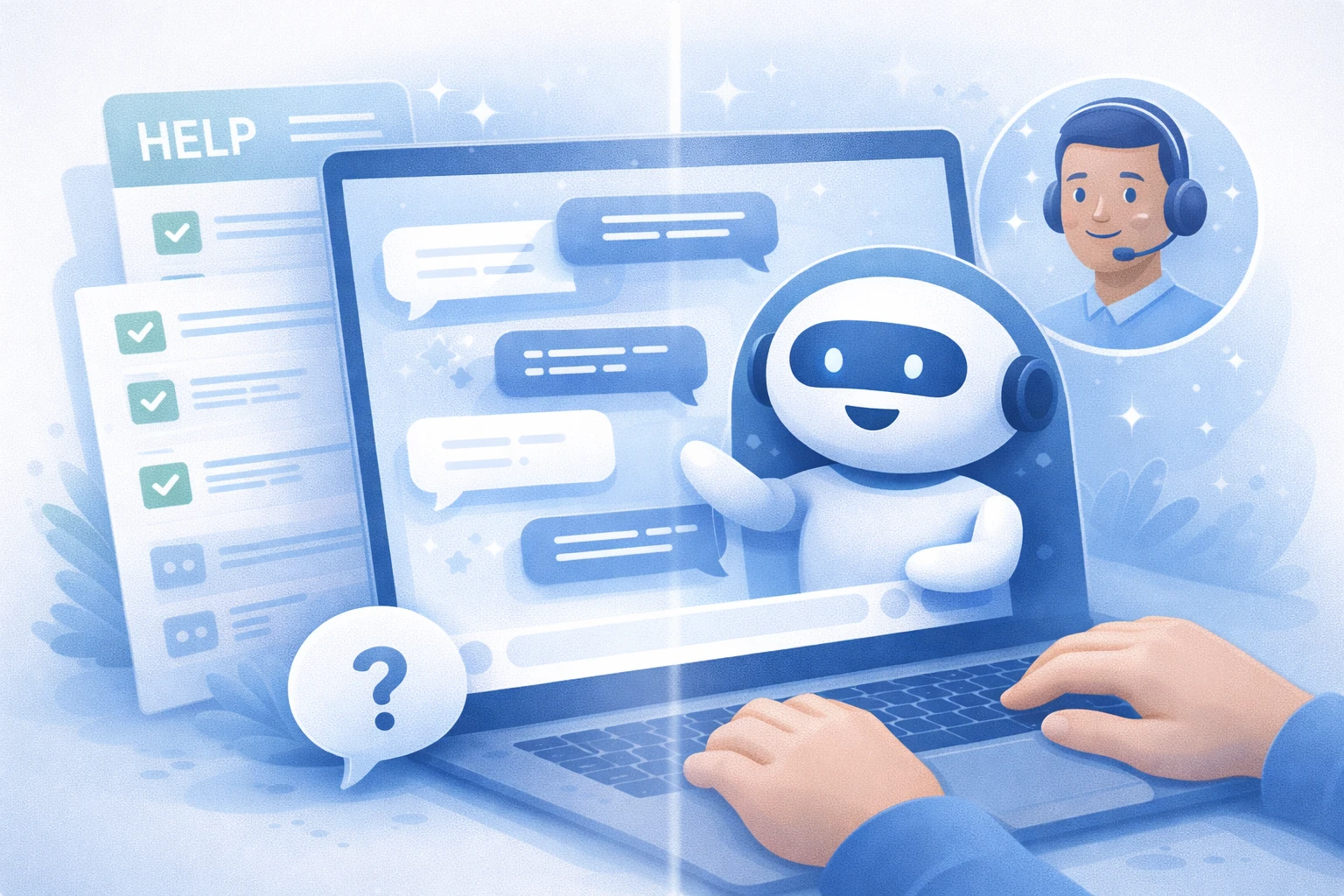
Using a website chatbot for customer support can significantly reduce response times and help users get answers without waiting for a human agent. However, chatbots are most effective when they are used as part of a broader support strategy rather than as a full replacement for human assistance.
This article explains how using a website chatbot for customer support works in practice, what problems it solves well, and where human support is still essential. For a general overview of website chatbots and their typical roles, you can start here: AI chatbot for website.
Table of Contents
Why use a chatbot for customer support?
Customer support teams often deal with a high volume of repetitive questions. A website chatbot can handle these efficiently, allowing human agents to focus on more complex or sensitive issues.
Chatbots are especially valuable outside business hours, providing immediate responses when live support is unavailable. This improves perceived responsiveness without increasing staffing costs.
Common customer support use cases
Using a website chatbot for customer support works best in clearly defined scenarios.
- Answering frequently asked questions
- Guiding users to relevant help articles or documentation
- Explaining onboarding or setup steps
- Handling simple account or policy-related questions
These use cases align well with how customers typically seek help online, as described in general customer support models such as those outlined in Wikipedia’s overview of customer support.
Using a website chatbot for customer support effectively
To use a website chatbot for customer support effectively, clarity and scope control are essential.
1. Define what the chatbot should handle
Start by listing the questions your support team answers most frequently. These are ideal candidates for chatbot automation. Avoid assigning complex or emotionally sensitive issues to the chatbot.
2. Train the chatbot on reliable support content
The chatbot’s answers should come from your existing help articles, FAQs, and documentation. If this content is unclear or outdated, the chatbot will reflect those weaknesses.
3. Make escalation paths visible
Users should never feel trapped in a chatbot conversation. Clear options to contact human support improve trust and reduce frustration.
4. Monitor conversations regularly
Reviewing chatbot conversations helps identify gaps in content and recurring questions that need better answers.
When to hand off to human support
Using a website chatbot for customer support does not mean removing humans from the process. Certain situations should always be handled by a human agent.
- Billing disputes or refunds
- Account-specific or sensitive information
- Legal, financial, or compliance-related questions
- Users expressing frustration or dissatisfaction
In these cases, the chatbot should act as a guide, collecting basic information before handing the conversation over to a support representative.
Chatbots vs traditional support channels
Compared to email or ticket-based support, chatbots offer faster responses but less flexibility. Traditional channels provide depth and judgment, while chatbots excel at speed and consistency.
Many websites combine both approaches, using chatbots as the first point of contact and escalating to human support when needed.
Decision: should you use a chatbot for customer support?
Decision: Using a website chatbot for customer support makes sense if your site receives recurring, predictable questions and you already have clear support content. Start with limited automation, monitor real conversations, and expand only where accuracy and user satisfaction remain high.
If you’re exploring tools designed for content-based customer support chatbots, you can see an example of this approach here: YourGPT for website chatbot.