
How to Train a Website Chatbot With Content
Learning how to train a website chatbot with content is one of the most important steps in making sure your chatbot is actually helpful. Even the best chatbot setup will fail if it’s trained on unclear, outdated, or poorly structured information.
This guide explains how to train a website chatbot with content in a practical way, focusing on accuracy, relevance, and long-term maintainability. If you’re still evaluating whether a chatbot fits your website at all, this broader guide may help first: AI chatbot for website.
Table of Contents
Why content training matters
A chatbot doesn’t “understand” your business in the human sense — it relies entirely on the content you give it. When people complain that chatbots give wrong or misleading answers, the root cause is usually poor source material rather than the chatbot itself.
Training quality directly affects trust. If a chatbot answers confidently but incorrectly, users lose confidence quickly and may stop using it altogether.
What content to use for chatbot training
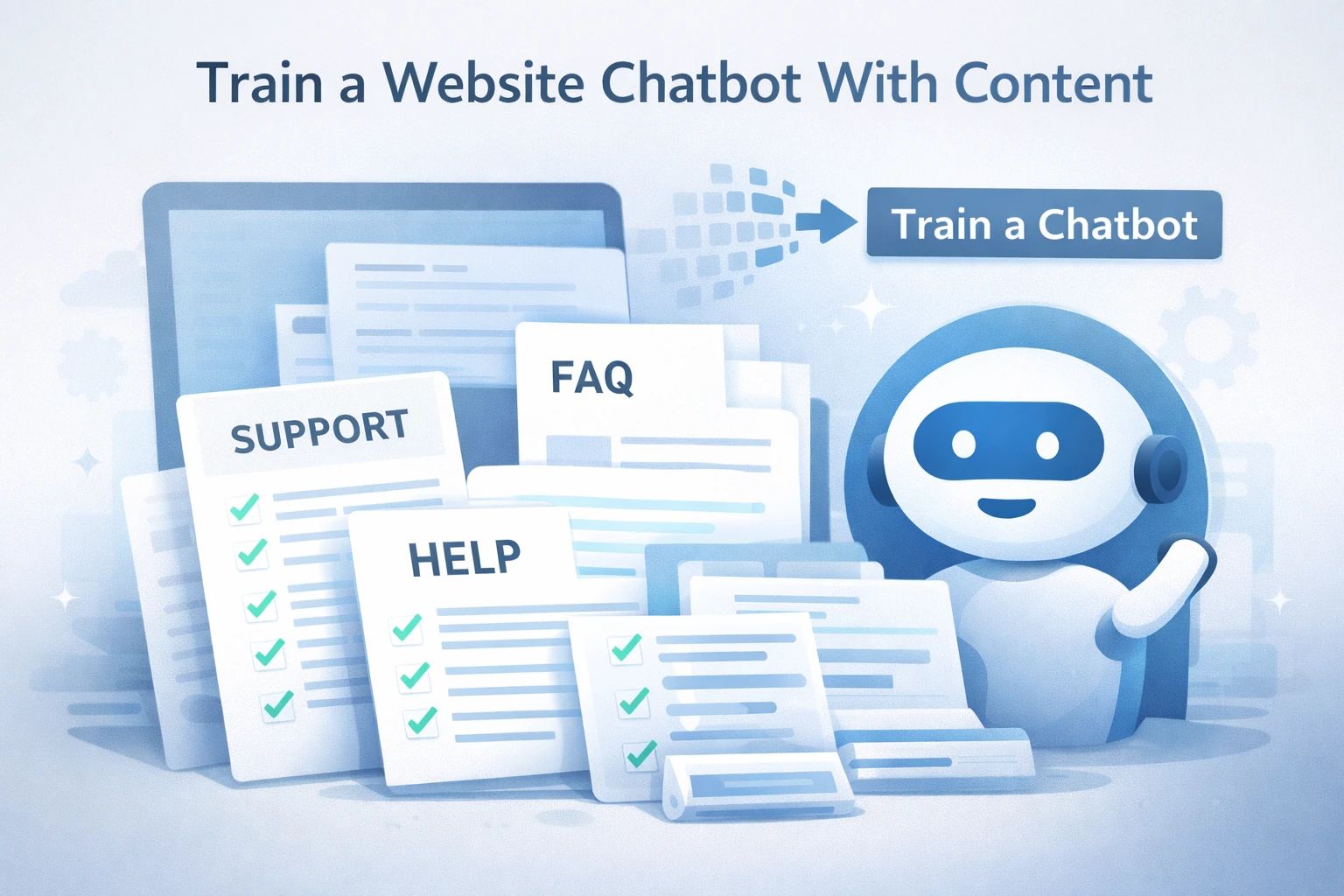
Before you train a website chatbot with content, decide what sources it should rely on. The best results usually come from a limited, high-quality set of materials.
- Help and support articles: step-by-step explanations, troubleshooting guides.
- FAQ pages: direct answers to common questions.
- Product or service documentation: features, limits, and usage rules.
- Policy pages: pricing terms, refunds, privacy, or usage limits.
Avoid training on blog posts that mix opinions, marketing language, or outdated information. These often introduce ambiguity and reduce answer quality.
How to train a website chatbot with content
This section covers the core process most websites follow when they train a website chatbot with content.
1. Clean and structure your content first
Before uploading anything, review your content with a chatbot in mind. Each page should focus on one topic and answer specific questions clearly.
- Remove duplicated or conflicting pages
- Split long articles into logical sections
- Use clear headings and short paragraphs
2. Limit the initial training scope
When you first train a website chatbot with content, start small. Focus on the top 10–20 questions users ask most often. Expanding too quickly makes it harder to identify where errors come from.
3. Train on final, authoritative sources
Only train the chatbot on pages that represent your current, official answers. Drafts, internal notes, or experimental pages often cause inconsistent replies.
4. Define safe fallback behavior
No matter how good your content is, there will be questions the chatbot shouldn’t answer. Configure fallback responses that guide users to a relevant page or recommend contacting support.
Developers frequently highlight this issue in real-world discussions, such as in threads on Reddit’s Machine Learning community, where poorly scoped training data is a common cause of chatbot failures.
Common chatbot training mistakes
Even when the setup looks correct, certain mistakes can quietly undermine chatbot performance.
- Training on outdated documentation
- Mixing marketing pages with support content
- Letting the chatbot answer outside its intended scope
- Ignoring incorrect answers instead of fixing the source content
In most cases, improving chatbot accuracy means improving the content — not adjusting prompts or settings endlessly.
Training a chatbot vs writing FAQ pages
Writing FAQ pages and training a chatbot serve related but different purposes. FAQs are static and rely on users finding the right question. A trained chatbot actively interprets user intent and points to the most relevant answer.
For best results, treat your FAQ pages as the source of truth and use the chatbot as a layer that helps users access and understand that information faster.
Decision: is your content ready for chatbot training?
Decision: If your website has clear, up-to-date support content and recurring user questions, it’s a good time to train a website chatbot with content. Start with a narrow scope, monitor real interactions, and refine the underlying pages as needed. If your content is inconsistent or outdated, fix that first — the chatbot will only reflect what it’s trained on.
If you’re looking for a tool designed specifically for content-based chatbot training, you can see one example here: YourGPT for website chatbot.