

How to Set Up a Website Chatbot the Right Way
Knowing how to set up a website chatbot properly can make a real difference in how visitors experience your site. A well-configured chatbot helps users find answers faster, reduces repetitive support questions, and improves overall usability without replacing human support.
This guide explains how to set up a website chatbot in a practical, step-by-step way. The focus is on decisions that affect accuracy and usefulness — not on flashy features or sales promises. If you want a broader explanation of how chatbots fit into websites in general, you can start here: AI chatbot for website.
Table of Contents
Why learning how to set up a website chatbot matters
Many websites add chatbots without a clear plan, which often results in confusing or unreliable answers. Understanding how to set up a website chatbot correctly helps avoid these issues by focusing on scope, content quality, and user expectations from the start.
A website chatbot works best when it solves a specific problem: answering common questions, helping users navigate content, or explaining how something works. Without a clear purpose, even the most advanced chatbot will feel unhelpful.
Choosing the right chatbot type
Before you decide how to set up a website chatbot, you need to choose the right type. Most website chatbots fall into one of these categories:
- Flow-based chatbots: follow predefined paths and work well for routing users or collecting information.
- Content-trained chatbots: answer questions using your website content, documentation, or knowledge base.
If your goal is support or education, content-trained chatbots are usually the better option. Tools like YourGPT for website chatbot are designed specifically to answer questions using existing site content, rather than scripted flows.
How to set up a website chatbot step by step
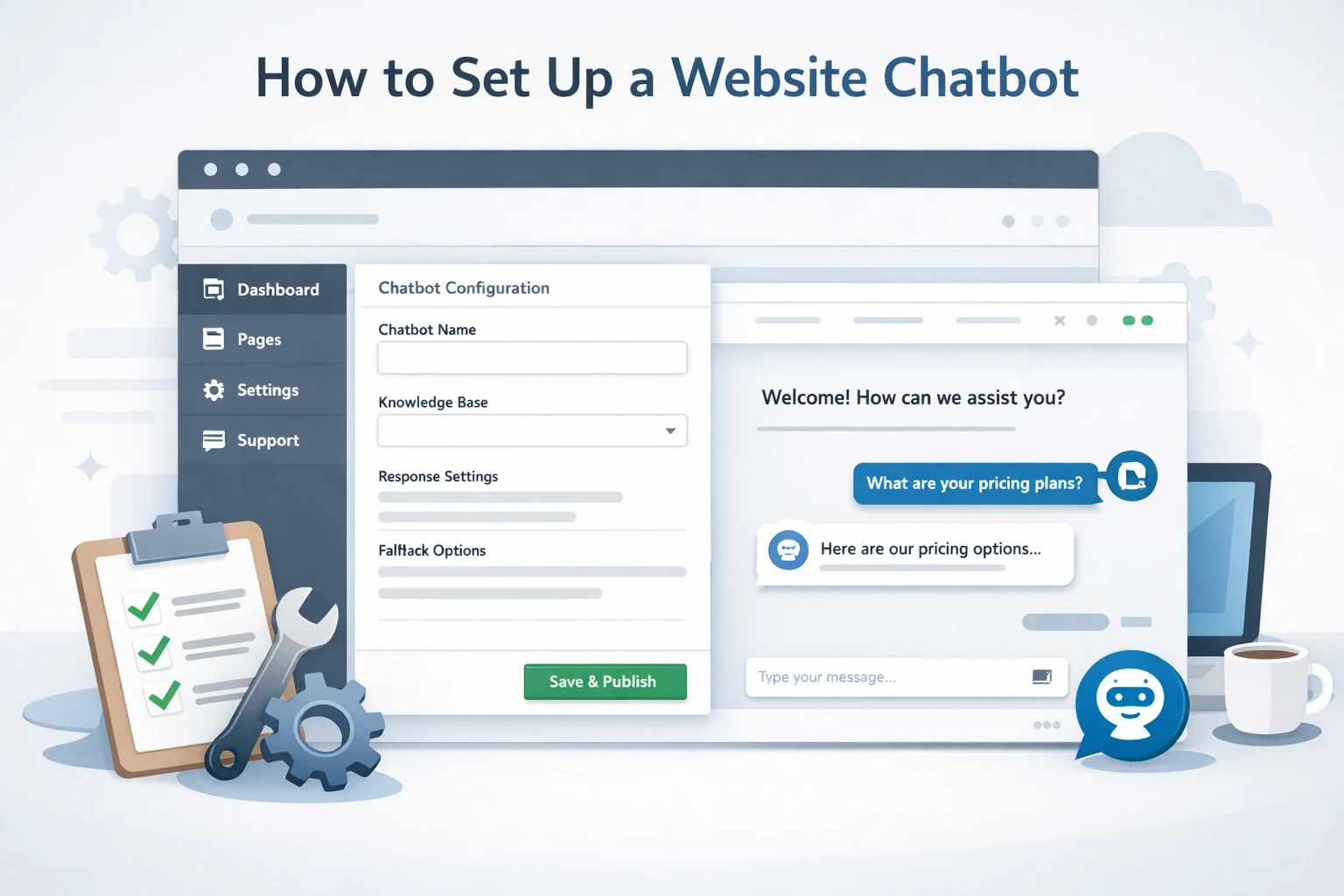
This is the core process most websites follow when learning how to set up a website chatbot effectively.
1. Define what the chatbot should and should not answer
Start by deciding the chatbot’s scope. A chatbot should not try to answer everything. Limit it to well-documented topics such as product usage, onboarding, or common support issues.
2. Prepare accurate and up-to-date content
The quality of your chatbot depends entirely on the content it uses. Before you set up a website chatbot, review your help pages, FAQs, and documentation to ensure they are current and clearly written.
- Remove outdated or conflicting pages
- Break long articles into clear sections
- Focus on direct answers to real questions
3. Configure fallback behavior
A reliable chatbot should know when not to answer. Configure fallback responses that guide users to the right page or suggest contacting support instead of guessing.
4. Embed the chatbot on your website
Most platforms provide a simple embed code or widget. When you embed the chatbot, test placement on both desktop and mobile to ensure it doesn’t interfere with navigation or important UI elements.
Testing and improving chatbot accuracy
After you set up a website chatbot, testing is essential. Use real questions users ask and include vague or poorly worded queries to expose weaknesses.
- Test common support questions
- Review incorrect or incomplete answers
- Improve the source content rather than tweaking replies blindly
Many chatbot failures come from ignoring this step. Improving accuracy usually means improving the underlying content, not adding more configuration.
Website chatbot vs FAQ page
Compared to a traditional FAQ page, a website chatbot lets users ask questions in their own words. FAQs are static references, while chatbots help users find and interpret information faster.
In most cases, the best approach is combining both: a clear FAQ page as the source of truth, supported by a chatbot that helps users navigate it.
Decision: should you set up a website chatbot now?
Decision: If your website receives recurring questions and you already have reliable support content, learning how to set up a website chatbot is worth the effort. Start small, monitor real usage, and improve accuracy over time. If your content is incomplete, focus on fixing that first — the chatbot will only reflect what it’s given.